Navigation
Follow the route with GPS. The map can turn with the phone’s compass, and it zooms out as you go faster.
 gitRider
Off-road navigation
gitRider is for motorcycles, bicycles, ATVs, jeeps, and other off-road riders. Record where you went, draw the next line on the map, schedule a ride, and follow it with GPS.
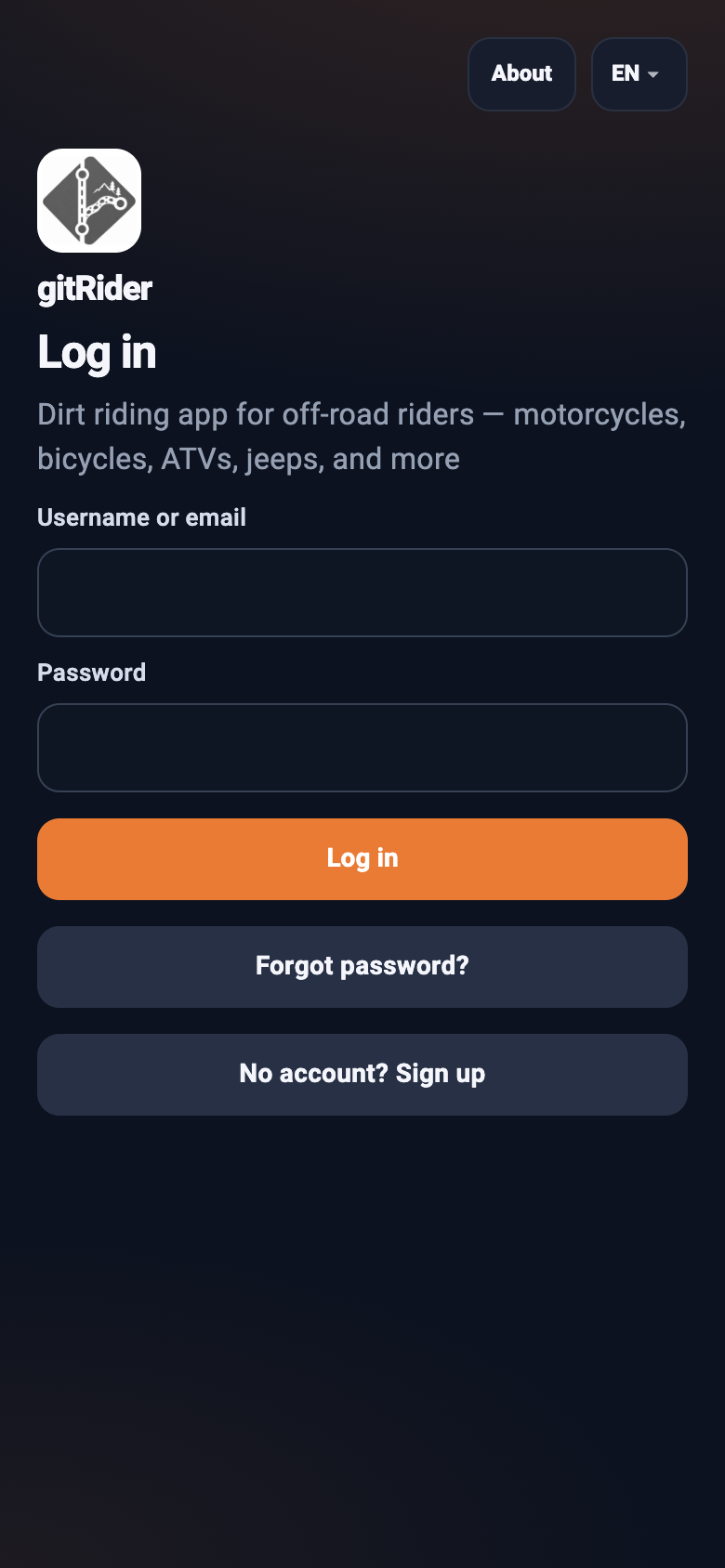
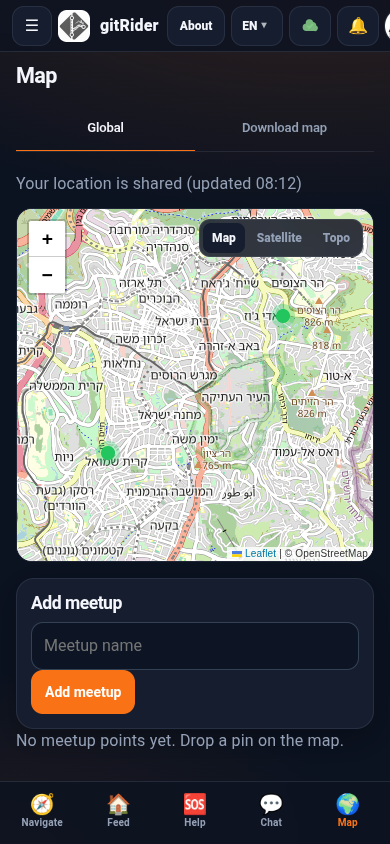
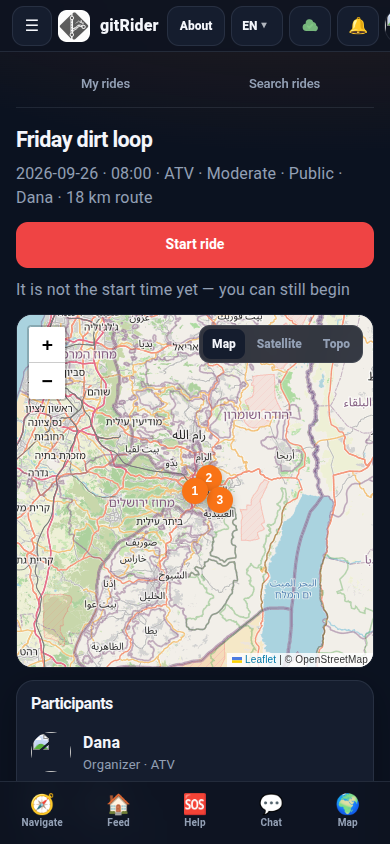
Log in, follow the map, start a ride, and message the group.
Log in
Map
Ride
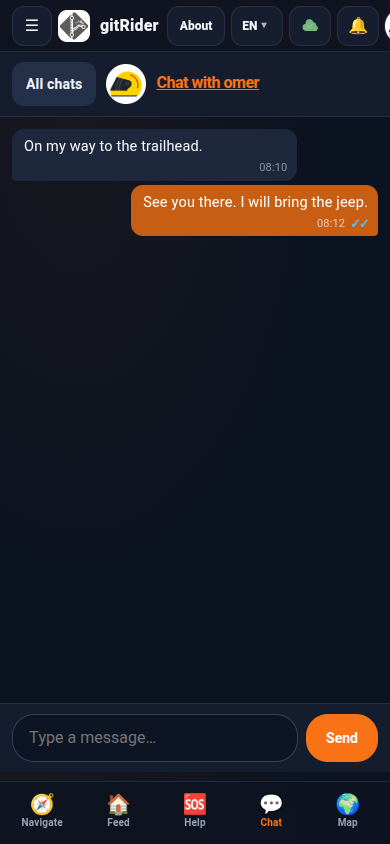
Chat
The same tools on the map, in the garage, and when you need help.
Follow the route with GPS. The map can turn with the phone’s compass, and it zooms out as you go faster.
Ride, record the track, and save it. The line you just rode is there the next time you want the same trail.
Draw waypoints on the map, then share the route: others fork a private copy and send changes back as a pull request. See how sharing works.
Pick a date, a vehicle, and a route. Keep your own rides, and search rides other people have published.
Keep each vehicle in one place: the service log, engine hours and kilometers, and what you spent on parts.
Mark SOS, fuel, a repair, or a tow. Other riders can see where you are when the alert is meant to be shared.
Message other riders from the app.
Download a map pack before you leave coverage, then keep navigating when the signal drops.
Look through vehicles other riders are selling, or list one of your own from the garage.
One route, private copies, and pull requests back to the original.
Step 1
A new staged route is private, and only you can see it. Switch it to public when other riders should be able to find it in search.
Step 2
Another rider searches public routes and taps Fork route. They get their own private copy. You do not see that copy. Show my forks lists forks of your routes, and those results have no Fork button.
Step 3
The rider who forked the route edits their copy, then taps Suggest changes. That opens a pull request on the original. Suggesting again updates the same open request.
Step 4
Your route shows how many requests are waiting. Open one to see your version and theirs side by side. Accept applies their route to yours. Reject leaves yours unchanged. More than one rider can suggest changes to the same route.
Step 5
When another rider’s suggestion is accepted, the original route moves ahead. The next rider who wants to suggest their own changes is asked to update to the latest version first. The update keeps their edits and brings in the new points. Then they can suggest theirs.
Put the bike, ATV, or jeep in the garage so a ride knows what you’re on.
Record it while you ride, or draw it on the map before you go.
Open navigation. Chat with the group, and send help with your location if you need it.